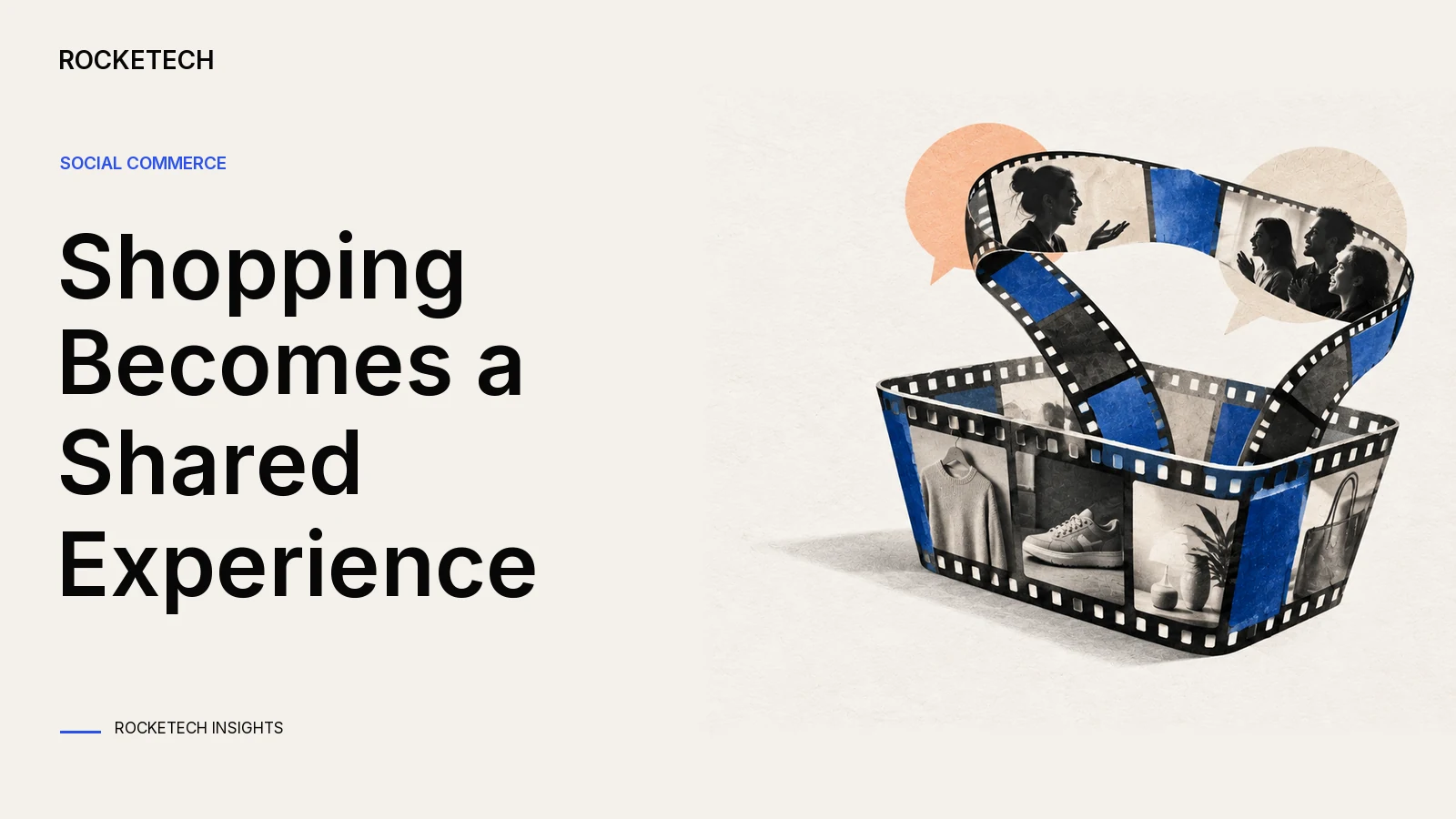
There are two ways to sell through video and social media. You can sell inside the social platforms, using their shops and live features, or you can build live shopping into your own site and app. Selling inside the platforms is the fastest way to start, but their rules decide what you can sell, and the buyer stays their customer. Your own live shopping costs more to build and keeps the buyer, the data and the checkout with you. We’d start on the platforms to learn what sells on video, then build your own once live sales are a regular channel. A live shopping build needs a video stream, products shown in the stream, a cart and checkout that work during the broadcast, chat with moderation, and replays. Our work on LIVETAG, a live shopping platform, covered the stream, the products in it, the cart inside the broadcast and the chat.
Two routes, compared
Question
Inside social platforms
Your own live shopping
Time to first sale
Fast: you use their shop and live tools
Slower: you build or integrate a player, cart and checkout
Who owns the buyer
The platform
You: email, order history and repeat sales
Who sets the rules
The platform, and it can change them
You, within the law and the app stores’ rules
Checkout
The platform’s
Yours, in your brand
Main cost
Platform fees and paid reach
The build, plus video streaming costs every month
Fits when
You’re testing what sells on video
You have a repeat audience and a schedule of shows
Selling inside social platforms versus your own live shopping
The weak spot of the first route is dependence. A shop that lives inside a social network follows that network’s rules, and when the rules change, you adapt or lose the channel. The weak spot of the second is traffic. Your own player is empty until you bring an audience to it.
You can also do both. Keep one product catalogue, send it to the social shops, and use the same catalogue in your own player. Then a price change or a sold-out item updates everywhere at once.
What a live shopping build needs
Part
What it does
From our LIVETAG work
Video stream
Carries the show from the host to every viewer
A 20-second broadcast delay with instant reconnection
Products in the stream
Shows the item being presented, with price and stock
Integrations with 5 e-commerce platforms keep products in sync
Cart and checkout in the broadcast
Lets viewers buy without leaving the show
Shopping cart and payment inside the broadcast
Chat
Lets viewers ask, and the brand answer, during the show
Chat for users and the brand
Capacity
Keeps buying working at the busiest minute
10,000+ users connected to the stream and buying at the same time
Replays and recorded shows
Sells after the live show ends
Both live and pre-produced broadcasts
Analytics
Shows which products and moments sold
Analytics tools for brands
Parts of a live shopping build and what LIVETAG taught us
The parts interact. Delay changes how chat feels, because the host answers a question the viewer asked a while ago. Capacity matters most at the moment the host says “now”, when everyone taps buy at once. And products in the stream are only as good as the stock data behind them.
Video at scale is a specialist job. We’d buy the streaming layer from a video provider and build the shopping around it. On Spartacus, a combat sports matchmaking and streaming app we built with Flutter, the stream runs at 1080p and 30 frames a second for up to 100,000+ active users.
Video providers charge by the hour, and the bill follows the audience. Amazon IVS, for example, charges $2.00 an hour to take in a live stream on a standard channel, plus an hourly rate for video delivered to each viewer. In North America that rate starts at $0.072 an hour for HD at its first usage tier. So a one-hour HD show watched in full by 1,000 viewers costs about $72 in delivery. Ten such shows a month cost ten times that. Put the streaming line in the monthly budget next to platform fees before you decide which route is cheaper.
Moderation is part of the product
A live chat with thousands of viewers needs tools for the person watching it. Plan these into the first release:
A moderator role separate from the host, so someone handles chat while the host sells.
Mute, remove and block, with a word filter you can edit between shows.
A way for viewers to report a message, and a log of what moderators did.
Pinned messages for price, delivery time and the returns policy, so the same questions don’t flood the chat.
The pinned messages matter for sales, too. Viewers who can see the delivery time and the returns policy next to the product don’t have to leave the show to look for them.
The App Store rule that shapes your checkout
If your live shopping runs inside an iPhone app, Apple’s App Store Review Guidelines decide how people pay. Under guideline 3.1.3(e), physical goods and services used outside the app must be paid for with something other than in-app purchase, such as Apple Pay or card entry. Digital items work the other way. Under 3.1.1, unlocking content or features goes through in-app purchase, and tips to creators use in-app purchase currencies.
So a show that sells sneakers uses your normal checkout. A show that also sells virtual gifts or paid access to a members-only stream needs in-app purchase for those parts. Settle this before design, because it decides how many checkouts the app has.
The rule also differs by country. Apple’s current guidelines say apps on the United States storefront may include buttons, external links or other calls to action that lead to buying outside in-app purchase (3.1.1(a)). In every other storefront that is still not allowed. If you sell in several countries, plan the purchase screens per storefront.
If you also sell to consumers in the EU, your player and checkout have to be accessible. The European Accessibility Act has applied since 28 June 2025, according to AccessibleEU, and the European Commission’s list of covered services includes e-commerce. Ask a lawyer whether it covers your business; this guide isn’t legal advice.
What LIVETAG taught us about taking over a live platform
LIVETAG is a video streaming platform for shopping inside the broadcast. It plugs into online stores, so viewers buy what’s on screen while the presentation runs. The project came back to us after another contractor, with an existing codebase and a strict deadline. We put together a team that matched the existing stack and worked in two rounds. First we refactored the base across the web player and the mobile apps. Then we improved the shopping widget and its features.
Three lessons from that work apply to any live shopping product. Fix the stream before adding features, because nothing sells while viewers keep dropping. Test reconnection on weak mobile connections. And give brands their numbers, because a brand that can see which moments sold knows what to put in the next show.
How we would estimate your own live shopping
The build-or-platform question comes down to two numbers: what your own version costs once, and what the platforms cost you every month. You can see what your own live shopping would cost to build with our project estimate:
Describe the shows, the products and the checkout in a short brief.
The estimate turns it into user stories. You confirm what is in scope, and every hour in the budget traces back to a story you kept.
We check the hours the AI suggests against what our team actually books on finished projects, then multiply by our published rate of $39-55 an hour.
With the discovery option, it also shows how many customers pay for the build and in which month it is paid back. You can change any starting number, such as what a buyer spends or what winning one costs, and the math updates.
It’s a planning range, not a fixed quote. Compare it with a year of platform fees and paid reach, plus the streaming bill above.
What we would do
Run a few shows inside the social platforms first, and note which products and formats sell.
Put your product catalogue in one place that feeds every channel.
Pick a video provider for the stream. Build the shopping, chat and checkout around it.
Decide the checkout per item type: normal payments for physical goods, in-app purchase for digital extras in iPhone apps.
Load-test the busiest minute of a show, when everyone taps buy at once.
Looking for a reliable software development team? Let’s discuss your product idea.
FAQ
What is live shopping?
A live video show where a host presents products and viewers buy them during the broadcast. It can run inside social platforms or in your own site and app, with the cart and checkout built into the player.
Should I sell on social media or build my own live shopping?
Start inside the social platforms to learn what sells on video. Build your own when live sales are a regular channel and you want the buyer, the data and the checkout to stay with you.
What does a live shopping app need?
A video stream, products shown in the stream and kept in sync with stock, a cart and checkout inside the broadcast, chat with moderation, replays and analytics. We’d buy the streaming layer from a video provider and build the shopping around it.
Can an iPhone live shopping app take Apple Pay instead of in-app purchase?
For physical goods, yes. Apple’s guideline 3.1.3(e) says physical goods and services used outside the app must use payment methods other than in-app purchase, such as Apple Pay or card entry. Digital extras, such as paid access or tips to creators, go through in-app purchase.
How many viewers can a live shopping stream handle?
It depends on the video provider and on how the shopping part is built. LIVETAG supports 10,000+ users connected to the stream and buying at the same time, and the Spartacus app streams to up to 100,000+ active users.
The best of our blog, bi-weekly
Carefully curated content for resourceful Devs, CTOs, and PMs. No spam.