How to Scale a Marketplace: Liquidity Before Growth
Decide when to expand a marketplace using liquidity, repeat transactions, operating capacity and bounded acquisition tests—not traffic alone.
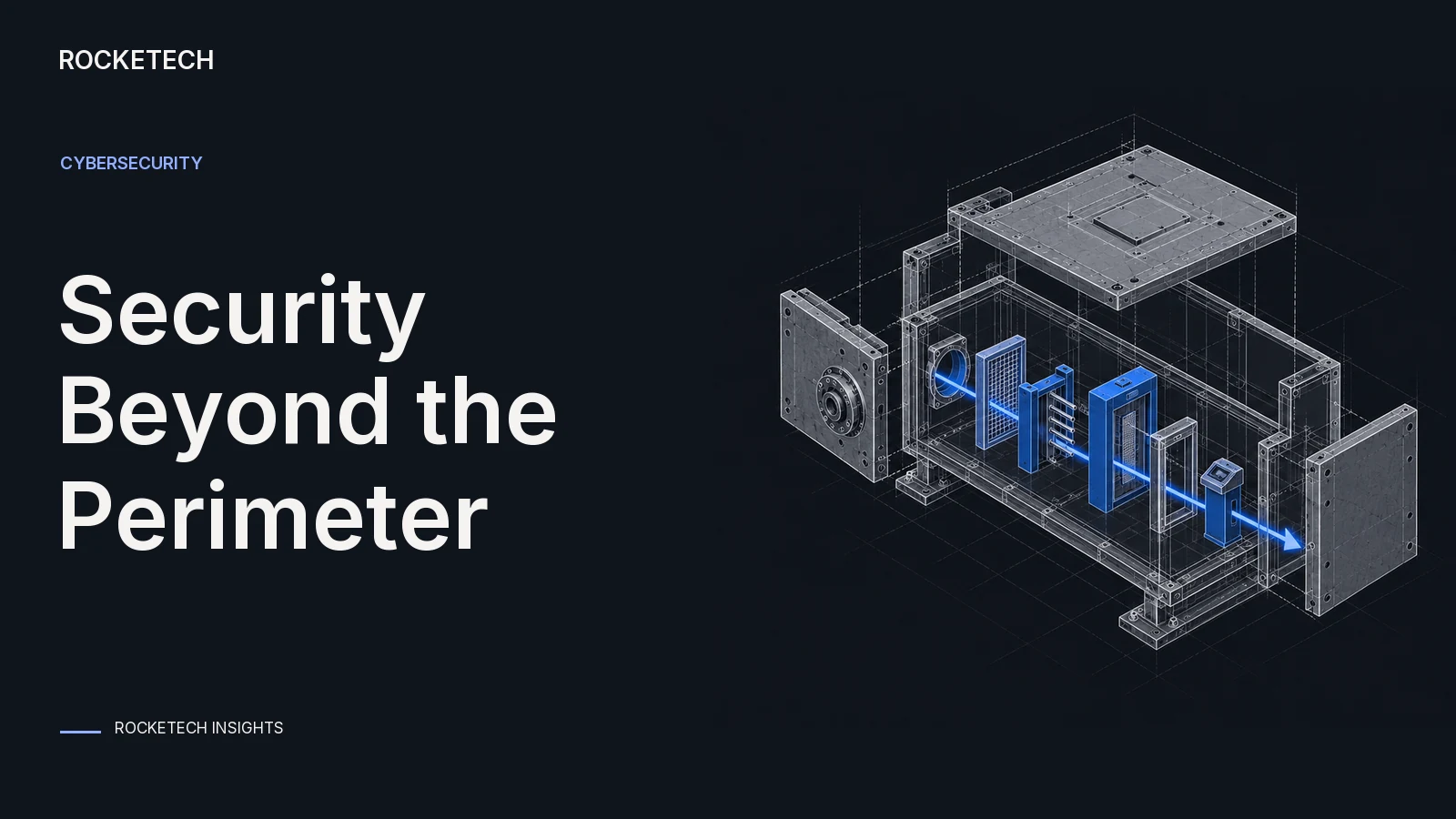
The castle-and-moat model protects a company the way a castle protects a town: a strong wall at the edge, one guarded gate, and trust for everyone inside. In network terms, the wall is the firewall, the gate is the VPN, and once you are on the company network, most systems let you in.
Zero trust starts from the opposite end. NIST’s definition moves defenses “from static, network-based perimeters to focus on users, assets, and resources”, grants no implicit trust to a user or device based on its network location, and checks who the user is and what device they use before each session (NIST SP 800-207).
So, is the castle still worth it? The wall still has a job. It just can’t be the only control any more. This guide explains why, when the old model is still enough, and how to move without breaking the network.
Three things changed around the castle.
First, the town moved outside the walls. Email, files, CRM and accounting now run in cloud services, and people work from home, client sites and phones. A VPN that routes everyone back to the office to reach a cloud app protects very little of what matters.
Second, the gate itself became a target. In the Verizon 2026 Data Breach Investigations Report, 31% of breaches started with software vulnerabilities, ahead of stolen passwords as the top way in. The report covers incidents from November 2024 to October 2025 (Verizon DBIR 2026). VPN gateways and firewalls are software too, and they face the internet.
Third, once someone is through, a flat network lets them walk anywhere. CISA says plainly that “traditional perimeter-focused architecture is no longer effective” at protecting enterprise resources. Its July 2025 guidance recommends microsegmentation, which protects smaller groups of resources and limits how far an intruder can move (CISA, Microsegmentation in Zero Trust).
| Question | Castle-and-moat | Zero trust |
|---|---|---|
| Where trust comes from | Being on the company network | The user’s identity, the device’s state and the request |
| What the VPN does | Lets you in to everything inside | Often replaced by access to one app at a time |
| What happens after one account is stolen | The attacker can reach much of the network | The attacker reaches what that account may use, and gets checked again |
| How access is checked | Once, at the gate | Before each session, and again when something changes |
| What you need to run it | Firewall, VPN, patching | Single sign-on, multi-factor login, device checks, per-app access rules, logs |
| Where it fits | One office, few apps, no remote access | Cloud apps, remote staff, contractors, sensitive data |
For a small company with one office, a handful of internal systems and no remote access, a well-run perimeter is still a reasonable start, if the firewall and VPN are patched quickly and every login uses multi-factor authentication.
For most companies in 2026, it isn’t enough on its own. If you use cloud apps, have people working remotely, give contractors access, or hold data that would hurt if leaked, the perimeter becomes one layer among several. Keep it, and stop treating “inside the network” as a reason to trust.
There is no single product to buy for this. NIST’s practice guide, finalized in June 2025, describes 19 example zero trust implementations built with 24 collaborators, all following the principles of SP 800-207 (NIST SP 1800-35). Zero trust is a set of decisions you make app by app.
Go one app at a time, starting where a breach would hurt most.
Bought software follows the vendor’s security model. Your own internal tools follow yours, so build the zero trust rules in from the start:
Two of our projects show these rules in practice. SmartBuilding, a construction platform, has an access control list where rights to view, manage or edit worker profiles depend on each user’s role, and cameras scan QR codes to catch people entering areas they aren’t cleared for. On Sigmapool, a crypto mining pool, critical services sit in a private network behind whitelists, each coin’s infrastructure is isolated so tampering with one doesn’t affect the others, and users get two-factor authentication plus an email confirmation for every action. Isolation and per-action checks work together there.
For the controls a new product should have from its first release, see our guide to cybersecurity for a new product.
If you have a custom internal tool that trusts anyone on the network, there are two ways in. Our code audit costs a fixed $3,500 and takes 5 working days; it shows how safe the code is and what to keep, fix or rebuild. If you are building a new tool, we build custom business software at $39-55 an hour.
To price the new access rules, run your internal tool through our project estimate:
It protects a company with a strong network perimeter, such as a firewall and a VPN, and trusts users and devices once they are inside the company network. Its weak point is that anyone who gets through the perimeter, with a stolen account or through a flaw in the VPN, can often reach much of the network.
As one layer, yes. As the only control, rarely. A small company with one office and no remote access can start with a well-patched perimeter and multi-factor login. Companies with cloud apps, remote staff or contractors need zero trust controls on top: identity, device checks and per-app access.
NIST SP 800-207 defines zero trust as moving defenses from network perimeters to users, assets and resources. No user or device is trusted because of its network location, and both are authenticated and authorized before each session.
Not at once. You can move one app at a time from VPN access to per-app access with single sign-on and device checks, and keep the VPN for systems that can’t move yet. The VPN goes away for each app once nothing needs it.
Carefully curated content for resourceful Devs, CTOs, and PMs. No spam.